Yono Arcade Login Help
Most Yono Arcade login failures are either on the app's side (an old APK, a server problem, an account hold) or on your phone (no signal for the OTP, wrong date and time, a battery saver blocking the app). The table below tells you which one you have.
Is it the app or your phone?
| What you see | Likely cause | What to do |
|---|---|---|
| OTP never arrives | Weak signal, SMS blocked, or DND on promotional SMS | Move to better signal, check the SMS spam folder, wait 2 minutes before resending |
| "Network error" on every screen | Your connection, a VPN, or the app's servers | Switch Wi-Fi/mobile data, turn off VPN; if it persists for everyone, it's the server |
| App asks you to update, or crashes at login | Old APK the server no longer accepts | Install the current APK from YonoArcade.com only |
| "Account frozen" or "under review" | An account hold on the operator's side | Contact support by email; no one else can lift it |
| Login works, then logs you out | Battery saver or wrong date/time on the phone | Set automatic date and time; exempt the app from battery optimisation |
| Password rejected after a reset | Autofill of an old password | Type it manually; clear saved passwords for the app |
Things to try first
- Force-stop the app and open it again (a full restart, not just switching away).
- Clear the app's cache in Settings → Apps → Yono Arcade → Storage. Clearing data will log you out, so try cache first.
- Check your phone's date and time are set automatically; wrong time breaks secure sign-in.
- If an update is needed, get it from YonoArcade.com, not from a "latest APK" site.
If the app won't open at all, see Yono Arcade not opening or not installing.
Resetting your password or account access
Account recovery should always go through the option built into the app (usually a "Forgot password" link or OTP login on the sign-in screen). If that fails, email the operator at [email protected] from the phone number or email on your account. We don't publish any other recovery route, because recovery steps that bypass the app are a common phishing pattern. See Yono Arcade customer care for the contacts the operator publishes.
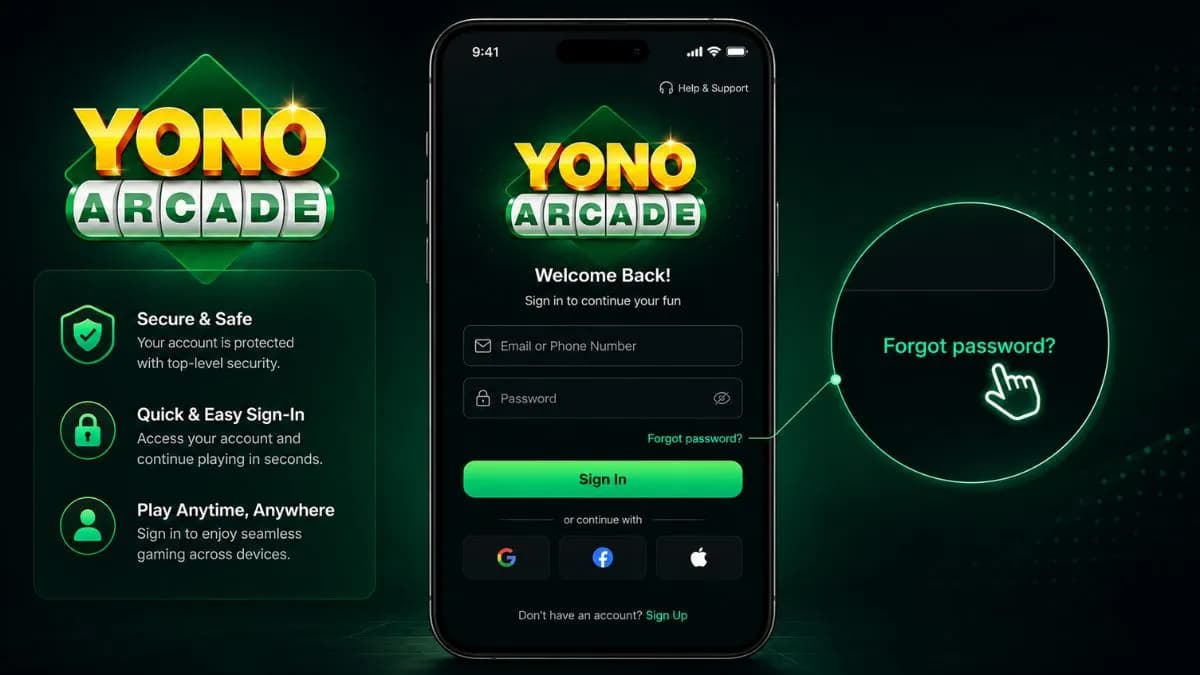
Be careful with “login help” links and forms outside the app
Never enter your Yono Arcade credentials, OTP or UPI PIN on a page other than the app itself. Login searches are a common target for phishing pages and fake "support agents" that imitate the real sign-in screen.
Need more help?
Still stuck? The Yono Arcade Help Center covers login, download and customer-care contacts in one place, including how to spot a fake support number.
Login questions
Why is my Yono Arcade OTP not coming?
Usually weak signal, an SMS filter, or requesting the OTP several times in a row. Move to better signal, check the SMS spam folder, and wait two minutes before resending. If it never arrives, contact [email protected].
I forgot my Yono Arcade password — what do I do?
Use the recovery option on the app's own login screen. Avoid any third-party site offering to recover or reset your account for you.
Why does Yono Arcade say my account is frozen?
An account hold is set by the operator, so only its support can explain or lift it. Contact [email protected] in writing and keep a copy.
Why does login keep failing after I update my password?
Check for autofilled old passwords and a switched keyboard language. If it still fails after a fresh install, it's likely a server-side problem rather than something you can fix on the phone.