Yono Arcade Not Opening or Not Installing? Causes and Fixes
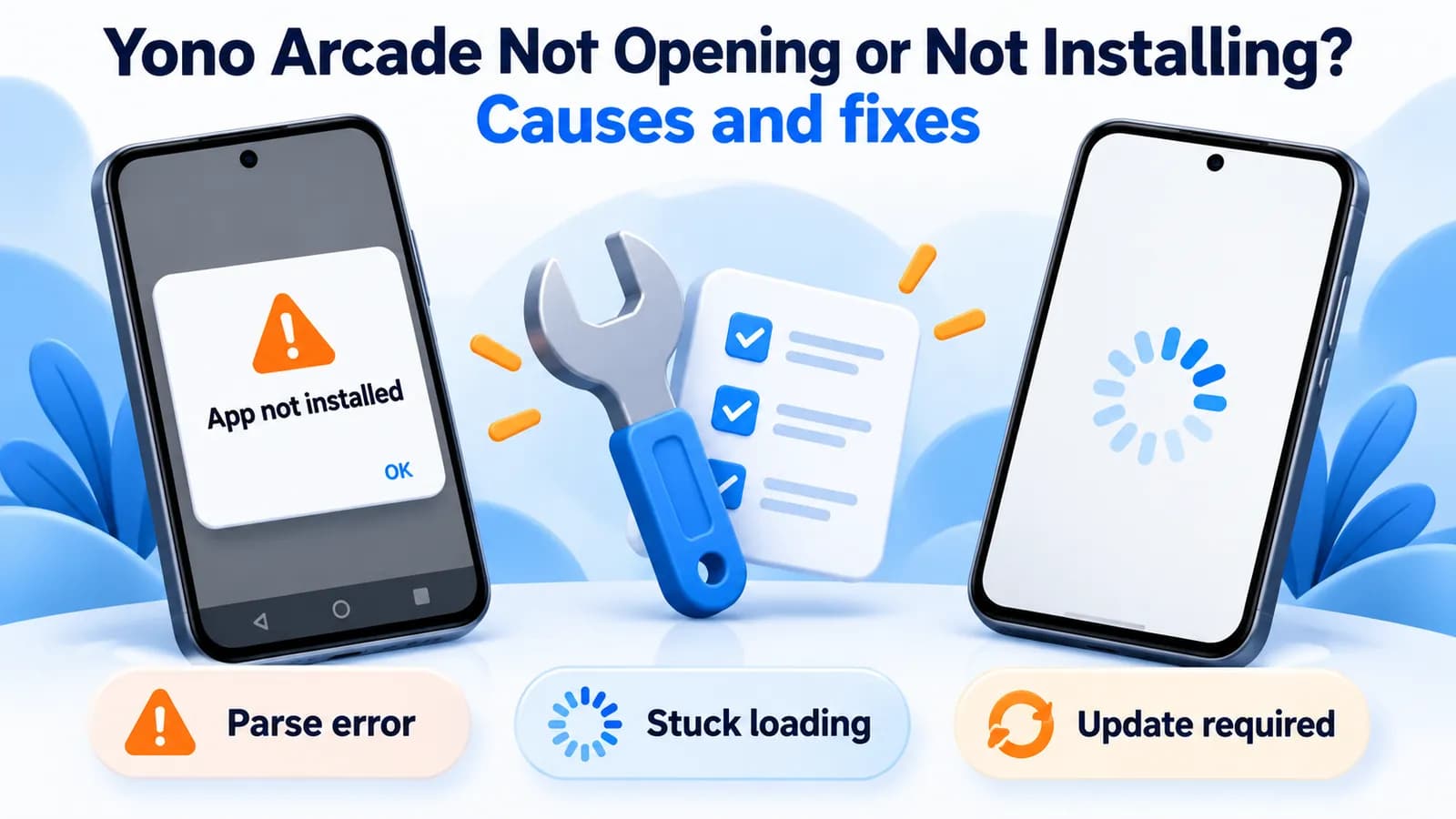
Most Yono Arcade install failures come from an incomplete download, an existing copy signed by someone else, or a phone older than Android 5.0. Most "not opening" problems come from the connection, a stale cache or an outdated build. Match your error to the tables below.
What the APK needs
- Android 5.0 or later (the current build targets Android 15).
- An ARM phone (arm64-v8a or armeabi-v7a). Almost all Android phones qualify; some emulators and Chromebooks don't.
- About 34 MB for the download, plus free space for installing and for game content. Keep at least 200 MB free to be safe.
- Permission for your browser or file manager to install apps ("Install unknown apps").
Yono Arcade APK not installing
| Error | Likely cause | Fix |
|---|---|---|
| "There was a problem parsing the package" | Incomplete download, or Android older than 5.0 | Delete the file and download again on a stable connection; check your Android version |
| "App not installed" | A Yono Arcade copy signed by someone else is already on the phone, or you're installing an older version over a newer one | Check the installed app's package name and version; don't install files from mirror sites |
| "App not installed as package conflicts" | Same as above: signature mismatch | The new file isn't from the same source as your installed app |
| "For your security, your phone is not allowed to install unknown apps" | Install permission not granted | Allow it for your browser in Settings → Apps → Special access → Install unknown apps |
| Play Protect blocks or warns | Google flags the app as harmful or unrecognised | Take the warning seriously; we don't recommend turning Play Protect off |
| "Insufficient storage" | Not enough free space | Free up space and retry |
Yono Arcade not opening, crashing or stuck loading
| What you see | Likely cause | Fix |
|---|---|---|
| Closes straight after launch | Corrupt cache or a bad install | Clear cache; if that fails, reinstall the current build from YonoArcade.com |
| Stuck on the loading screen | Slow connection while game content downloads, or a VPN | Switch between Wi-Fi and mobile data, turn off VPN, wait on the first launch |
| "Network error" everywhere | Your connection, or the service can't be reached | Test other apps; if only Yono Arcade fails, the problem is on its side |
| "Update required" | Your build is outdated | Install the current version; old versions are refused |
| Opens, then logs you out | Wrong date and time, or battery optimisation | Set automatic date and time; exempt the app from battery saver |
For sign-in problems specifically, see our Yono Arcade login help.
When no fix will work
Online money games have been prohibited in India since 1 May 2026, and the government can order access to such services blocked. If Yono Arcade can't connect on any network while everything else works, the service itself may be unreachable, and reinstalling or switching versions won't change that. Don't pay anyone who offers to "fix" or "unlock" your account. See Is Yono Arcade banned in India?
Check you have the real app
The official build is package com.arcade.games.yo. Several apps called "Yono Arcade" on Google Play are different apps with different package names, and they won't behave like the YonoArcade.com app. Our APK review lists what the genuine file contains.
Independent, unofficial guide
AllYonoArcade.com is not affiliated with Yono Arcade or Yono Tech Private Limited. Read our disclaimer.
Troubleshooting questions
Why is Yono Arcade not installing?
Usually an incomplete download (a parse error), a Yono Arcade copy signed by someone else already on the phone ("App not installed"), missing permission to install unknown apps, or Android older than 5.0.
Why is Yono Arcade not opening?
Most often a corrupt cache, a slow connection during the first content download, a VPN, or an outdated build the server refuses. Clear the cache, switch networks, and install the current version from YonoArcade.com.
Why does Yono Arcade say App not installed?
Android refuses to install a file signed by a different developer over an existing app, or an older version over a newer one. Check the installed app's package name is com.arcade.games.yo and use the current official file.
Should I turn off Play Protect to install Yono Arcade?
We don't recommend it. A Play Protect warning is a signal to stop and check the file, not an obstacle to work around.
What Android version does Yono Arcade need?
Android 5.0 or later, for version 1.1.9 served on 28 September 2026.